Join the service: Mobile setup guide
New here? The whole thing in four steps — open the app, get in, connect to your church, and pick your language.
Written By Dennis Dueck
Last updated About 1 month ago
Welcome. We are glad you are here.
Church Translation lets you follow your church's service in your own language, on your own phone. You read the sermon as it is spoken — or have your phone read it aloud to you through headphones.
There is nothing to buy, no password to invent, and nothing to install unless you want to. Most people are following along within a minute of arriving.
The whole thing in four steps
Open the app. Go to app.churchtranslation.org in your browser, or install Church Translation free from the App Store or Google Play.
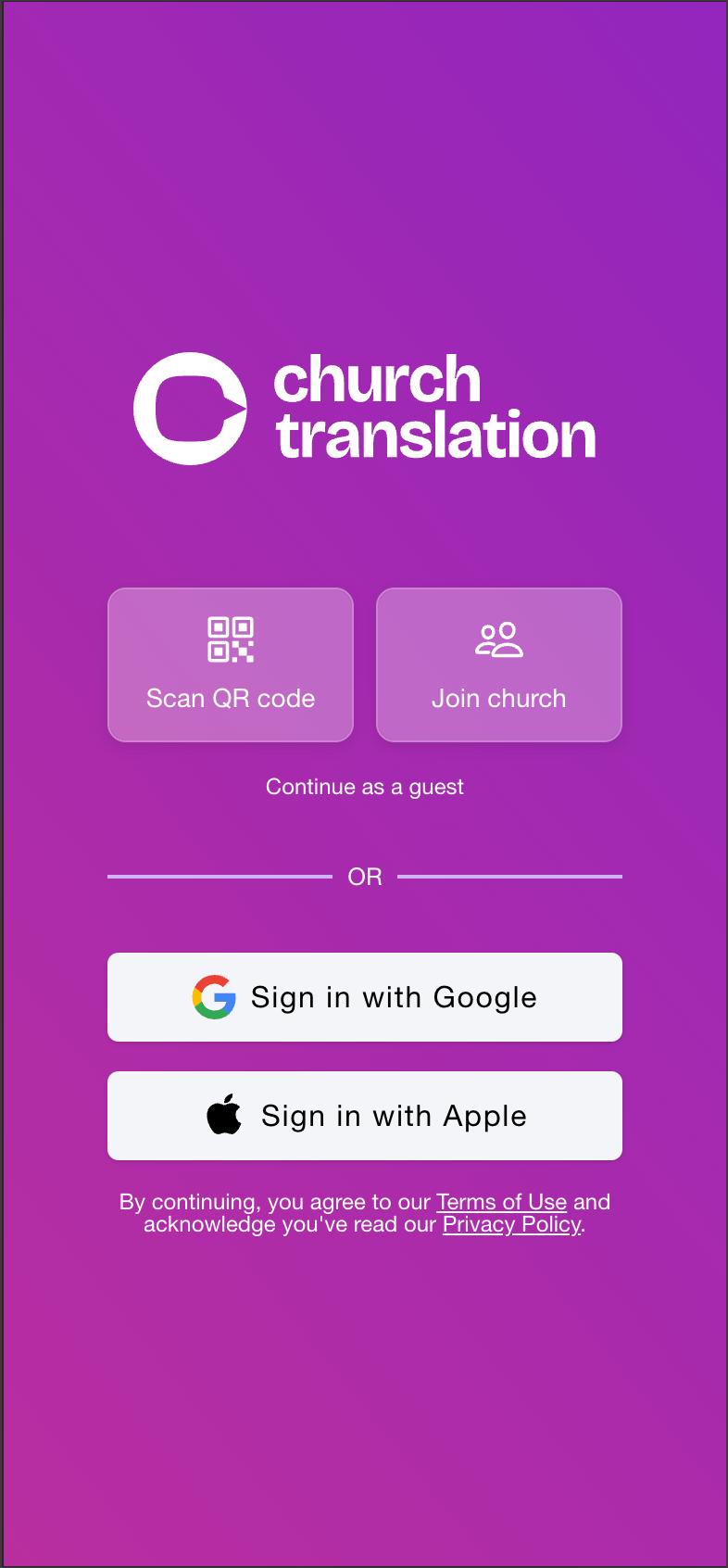
Get in. Tap Scan QR code or Join church — that gets you in as a guest, the fastest start. Or sign in with Google or Apple if you would like your settings kept safe.
Connect to your church. Scan the QR code your church shows, or type in its six-character code (like ABC-123).
Pick your language. Open Settings, tap Language, and choose. The next sentence arrives in it.
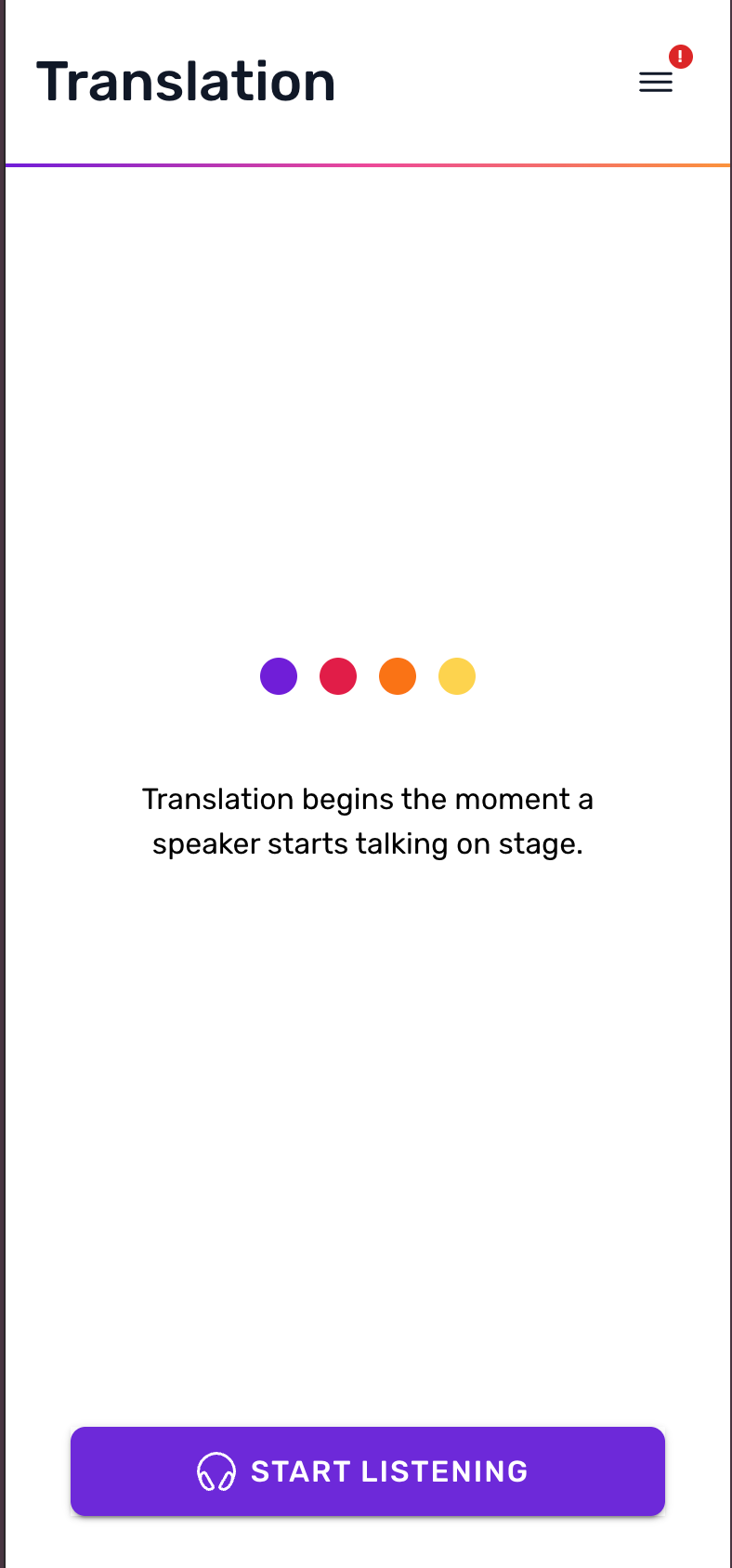
That is everything. The screen will say Translation begins the moment a speaker starts talking on stage until the service starts — then the words come.
Read it, or listen to it
To read, do nothing — sentences appear as the speaker talks and the screen scrolls itself.
To listen, put in headphones and tap Start Listening. Your phone reads the translation aloud. Tap Pause to stop.
Please use headphones if you listen. Otherwise your phone will be heard by the people sitting around you.
Where to go next
Two questions people ask first
Does it cost me anything? No. Nothing, ever. Your church pays for the translation service; visitors are never charged and never asked for payment details.
Do I have to give my name? No. Joining as a guest asks for nothing at all. You can add a name later if you would like the volunteers to see who you are, and you never have to.
If you get stuck
The welcome desk at your church can see who has joined and can help you from their side — that is usually the fastest fix. Ask them for the church's QR code or six-character code if anything else is being difficult; those two always let you straight in.
Was this helpful?
Still need help? Ask the team