Keep Listening With the Screen Locked
For visitors who listen to the translation through headphones. Until now, the audio stopped the moment a phone's screen locked, so the app kept the screen switched on for the whole sermon, and that drained the battery. With the new app update, visitors can lock their phone and put it in a pocket.
- Lock the Phone, Keep Listening: On iPhone and Android, the translation keeps playing when the screen locks or goes to sleep. The app no longer keeps the screen on while audio plays, so the battery lasts through the service.
- Pause From the Lock Screen: The lock screen shows Church Translation · your church's name with a pause button. On Android it sits in the notification. Pausing there turns the audio off in the app too.
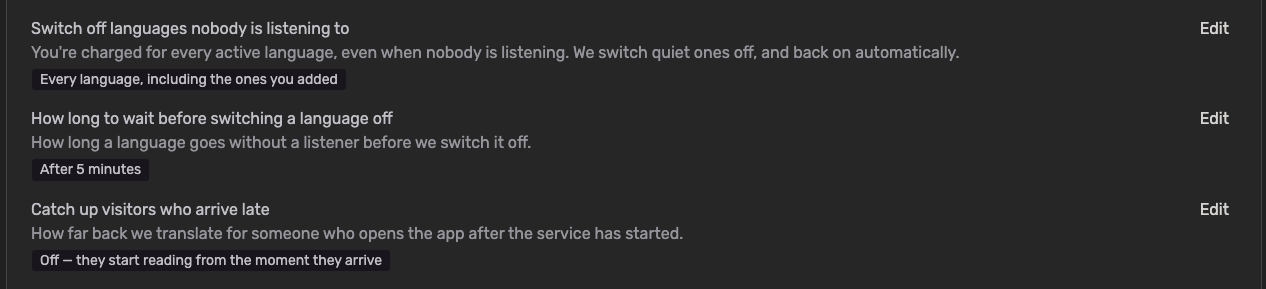
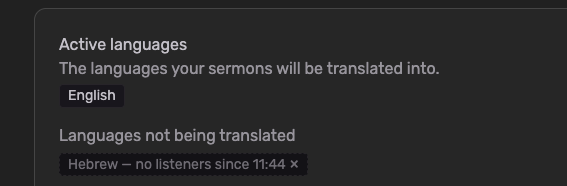
- Locked Phones Still Count as Listening: A visitor listening with the screen locked stays in your Users Online list, and their language stays switched on. A pocketed phone no longer looks like nobody is listening.
- Audio Switches Itself Off After the Service: If no new translation has played for 30 minutes, the audio turns off by itself, in the app and in the browser. Every new sentence starts the 30 minutes again, so a long sermon or a music break never triggers it.
- Archive Days Play to the End: Listening to a past service from the archive used to stop after about two minutes. It now plays the whole day. If one sentence fails to load, playback skips to the next one instead of stopping.
To get started:
Visitors need the latest app (version 2.5.1) from the App Store or Google Play. Nothing changes in your admin settings.
One thing that stays the same: in the browser at app.churchtranslation.org, locking the screen still stops the audio. Phone browsers don't let a web page keep playing in the background, so the screen stays on while visitors listen there. If someone at your church wants to listen with the phone in their pocket, point them to the app.